Clearer MCP connection approvals

MCP connection screens now highlight unverified applications and show their callback destination before you approve access.

Changelog1 min read

Written by

Dmytro Krasun

Published on

When you connect an MCP application to ScreenshotOne, the approval screen now gives you more context before you choose Allow. It shows whether ScreenshotOne recognizes the application’s publisher and where the authorization response will be sent.
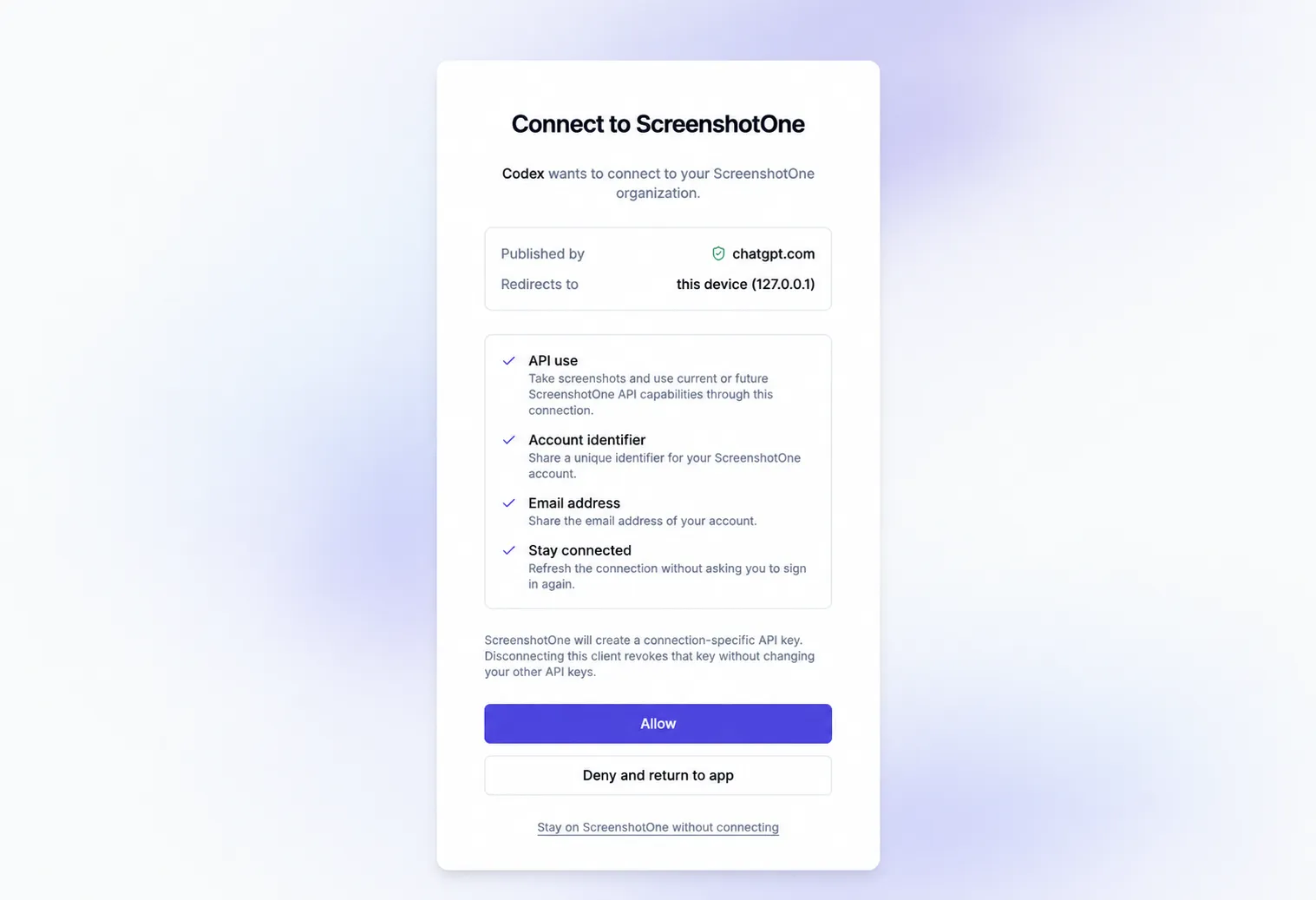
ScreenshotOne MCP connection screen showing the publisher, callback destination, permissions, and approval controls.

Applications whose publisher we haven’t confirmed are marked Unverified, with a reminder to check that you trust the application and recognize its callback destination. MCP applications that register themselves can still connect; the label is there to help you make an informed choice.

Invalid or expired connection links show an error instead of an Allow button. You can review the permissions requested by an application before approving the connection.


Read more product updates

New features, bug fixes, and optimizations...

View all product updates
Pay by wire transfer

Pay by wire transfer

Pay ScreenshotOne invoices by wire transfer on monthly or annual subscriptions, with a $100 USD minimum per transaction.

Read more

1 min read

Fewer internal errors when pages change during rendering

Fewer internal errors when pages change during rendering

Selectors, clicks, and hovers now cope with pages that replace their elements, and scripts that load another page get a clear script_triggers_redirect error instead of an internal error.

Read more

1 min read

Rendering website screenshots in LLMs

Rendering website screenshots in LLMs

Integrate ScreenshotOne to render website screenshots with any LLM that supports MCP.

Read more

3 min read

Automate website screenshots

Exhaustive documentation, ready SDKs, no-code tools, and other automation to help you render website screenshots and outsource all the boring work related to that to us.