Clearer subscription cancellation

Canceling or downgrading now shows a confirmation, the date your paid access ends, and a scheduled downgrade status in Billing.

Changelog1 min read

Written by

Dmytro Krasun

Published on

Canceling a subscription or downgrading to Trial used to close the dialog without an obvious confirmation. The cancellation details were easy to miss among the other information on the billing page.

Both actions now show a success message. Billing also keeps a prominent amber notice showing that your subscription will not renew, how long you can keep using your paid plan, and when your account will switch to Trial.

The Trial card now shows Downgrade scheduled instead of offering the same action again. Your current paid plan shows Cancellation scheduled, so it is clear why it remains visible until the end of your billing period. No further action is needed to complete the scheduled downgrade.

We also clarified the messages about disabled extra usage and linked the cancellation dialogs to the existing refund policy.

Read more about how cancellation affects your credits and extra usage already incurred.
Read more product updates

New features, bug fixes, and optimizations...

View all product updates
Better numbers formatting in the dashboard

Better numbers formatting in the dashboard

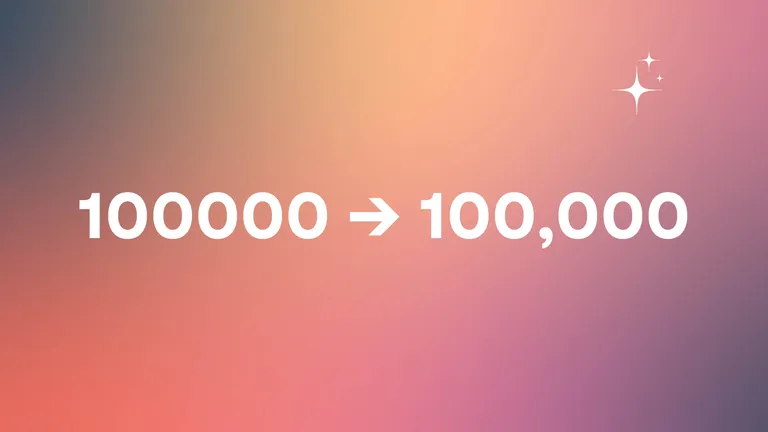
We improve UI/UX of rendering numbers in the dashboard for better readability.

Read more

1 min read

A Simple Website Screenshot Tool by ScreenshotOne

A Simple Website Screenshot Tool by ScreenshotOne

A few words about why to launch yet another website screenshotting tool.

Read more

1 min read

Available in Context7

Available in Context7

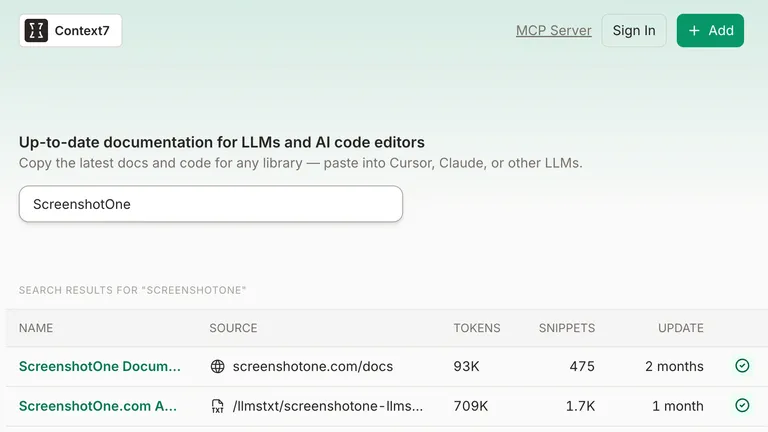
ScreenshotOne documentation is now available in Context7.

Read more

1 min read

Automate website screenshots

Exhaustive documentation, ready SDKs, no-code tools, and other automation to help you render website screenshots and outsource all the boring work related to that to us.