Manage your password from dashboard settings

You can now set, change, or reset your password directly from the dashboard settings.

Changelog1 min read

Written by

Dmytro Krasun

Published on

You can now manage your password directly from the dashboard settings.

If you signed up with Google, GitHub, or a magic link, you can set a password and use it to sign in with your email address. If your account already has a password, you can change it by entering your current password and choosing a new one.

You can also reset your password by email. The dashboard sends a secure reset link and signs you out of the current device. Once the password is reset, all other active sessions are signed out as well.


Read more product updates

New features, bug fixes, and optimizations...

View all product updates
Latest Chrome and up-to-date time zones

Latest Chrome and up-to-date time zones

Screenshots are now rendered with the latest stable Chrome, which includes the latest IANA time zone data. With time_zone=America/Winnipeg, dates from November 1, 2026 stay at UTC−05:00.

Read more

1 min read

Async, Webhooks, and Extra Limits

Async, Webhooks, and Extra Limits

May was a great month and full of new and exciting updates. Let's check them out quickly.

Read more

1 min read

Added an Above-the-Fold Checker Tool

Added an Above-the-Fold Checker Tool

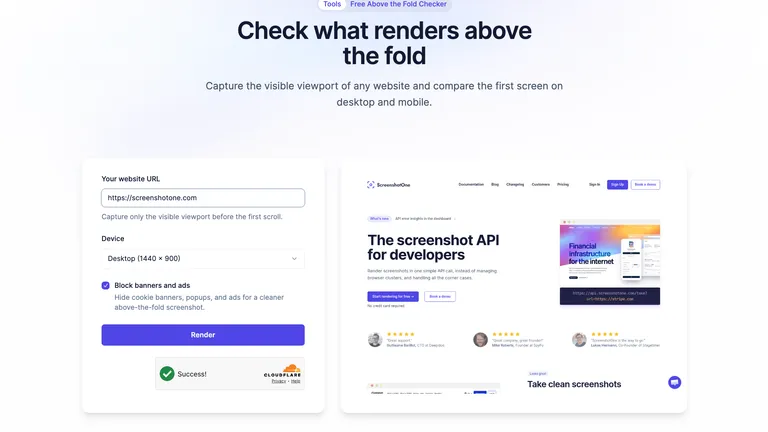
A new ScreenshotOne tool to capture what users see before the first scroll.

Read more

1 min read

Automate website screenshots

Exhaustive documentation, ready SDKs, no-code tools, and other automation to help you render website screenshots and outsource all the boring work related to that to us.