New organization role

Allow other members to manage your organization without transferring ownership.

Changelog 1 min read

Written by

Dmytro Krasun

Published on

We have added a new Admin role to organizations.

Admins can manage members (invite, remove, change roles), access billing and invoices, and edit organization settings. Only owners can transfer ownership or delete the organization.

You can now promote developers to admin or choose a role when inviting new members. All members can view the organization members list.
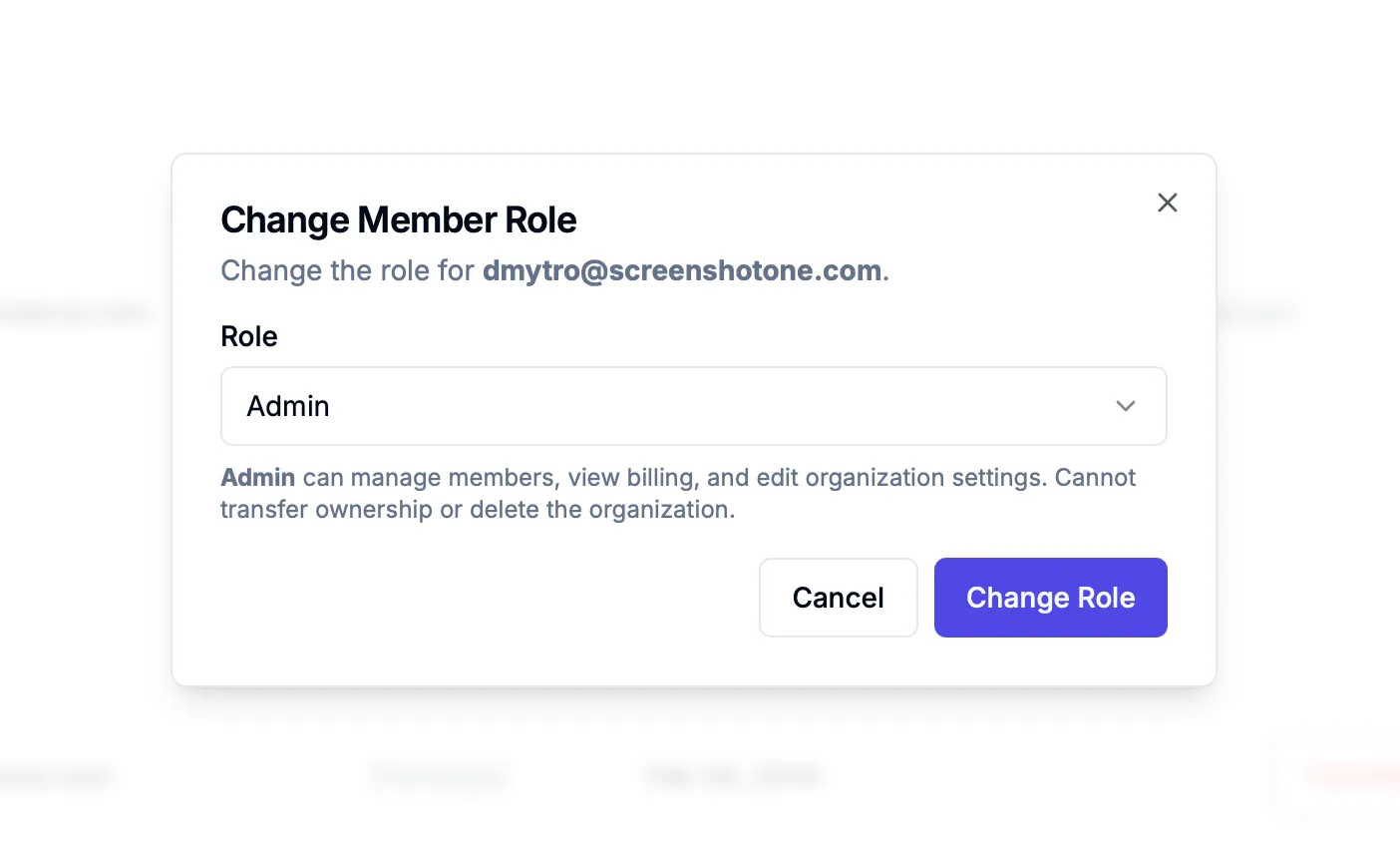
Change role in the dashboard

No migration is required. Existing users keep their current roles.

Read more about how organizations and roles work in ScreenshotOne.

If you have any questions or need any assistance, please, reach out at support@screenshotone.com.


Read more product updates

New features, bug fixes, and optimizations...

View all product updates
Improving performance and stability by consolidating validation and access check logic in the API gateway

Improving performance and stability by consolidating validation and access check logic in the API gateway

For the past few days, I have been working on improving the stability and performance of the ScreenshotOne API. I started from low-hanging fruits—moving validations and access key management from rendering services to ScreenshotOne's API gateway. The API will be more stable and performant as a result. If you are curious why, please continue reading.

Read more

2 min read

Added a "copy page" button in documentation

Added a "copy page" button in documentation

You can now copy the page content as Markdown for LLMs and more.

Read more

1 min read

New hover option

New hover option

Use the new hover option to interact with elements before rendering, and choose whether to fail if the hover selector is not found.

Read more

1 min read

Automate website screenshots

Exhaustive documentation, ready SDKs, no-code tools, and other automation to help you render website screenshots and outsource all the boring work related to that to us.