
How to make beautiful screenshots on macOS
I do write a lot about how to automate website screenshots, but I rarely share about what tools I use to make beautiful screenshots on the daily basis.
- Written by
- Dmytro Krasun
- Published on
- 1 min read
Guides, Product Updates, and Helpful Resources from ScreenshotOne.
I do write a lot about how to automate website screenshots, but I rarely share about what tools I use to make beautiful screenshots on the daily basis.

Learn how to build a screenshot API from scratch. Render website screenshots, capture full pages, block cookie banners, trigger lazy-loaded content, upload results, and prepare the service for deployment.

You don't need a screenshot API if it is a one-off task for you and you can use some library for screenshotting.

Compare ScreenshotOne, ScreenshotAPI.net, and Screenshot Machine by pricing, monthly screenshot limits, capabilities, and best-fit use cases.

A few words about what is Browserless, when to use it, and if it is suitable for screenshots or not.
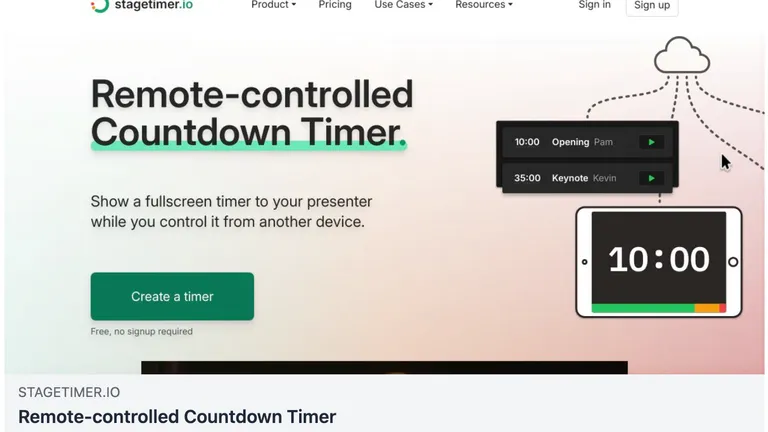
We would love to share a quick review of ScreenshotOne by Lukas Hermann, a co-founder of Stagetimer on how he uses the API daily to generate screenshots and automate regular tasks associated with screenshots.
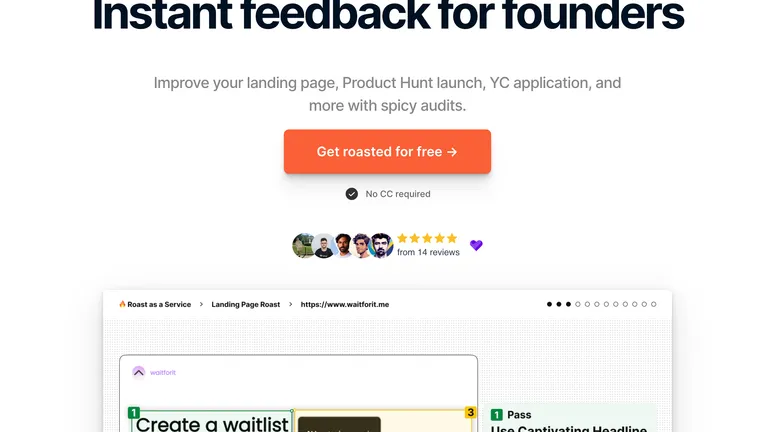
A quick review of ScreenshotOne by Elias Stråvik, a founder of Roast as A Service on how he uses the ScreenshotOne daily to automate regular tasks associated with screenshots.
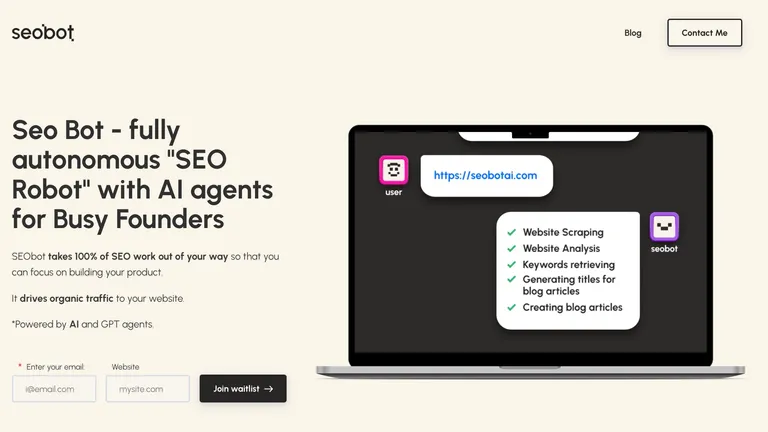
Customers can your product in unpredictable and surprising ways. SEOBot now uses ScreenshotOne API to enhance its articles with screenshots, making content more engaging and visually appealing.
Exhaustive documentation, ready SDKs, no-code tools, and other automation to help you render website screenshots and outsource all the boring work related to that to us.