Playground Presets

You can now create and save presets in the ScreenshotOne Playground!

Changelog1 min read

Written by

Dmytro Krasun

Published on

Presets

Presets let you capture your favorite API configurations and share them across your team or the whole organization.
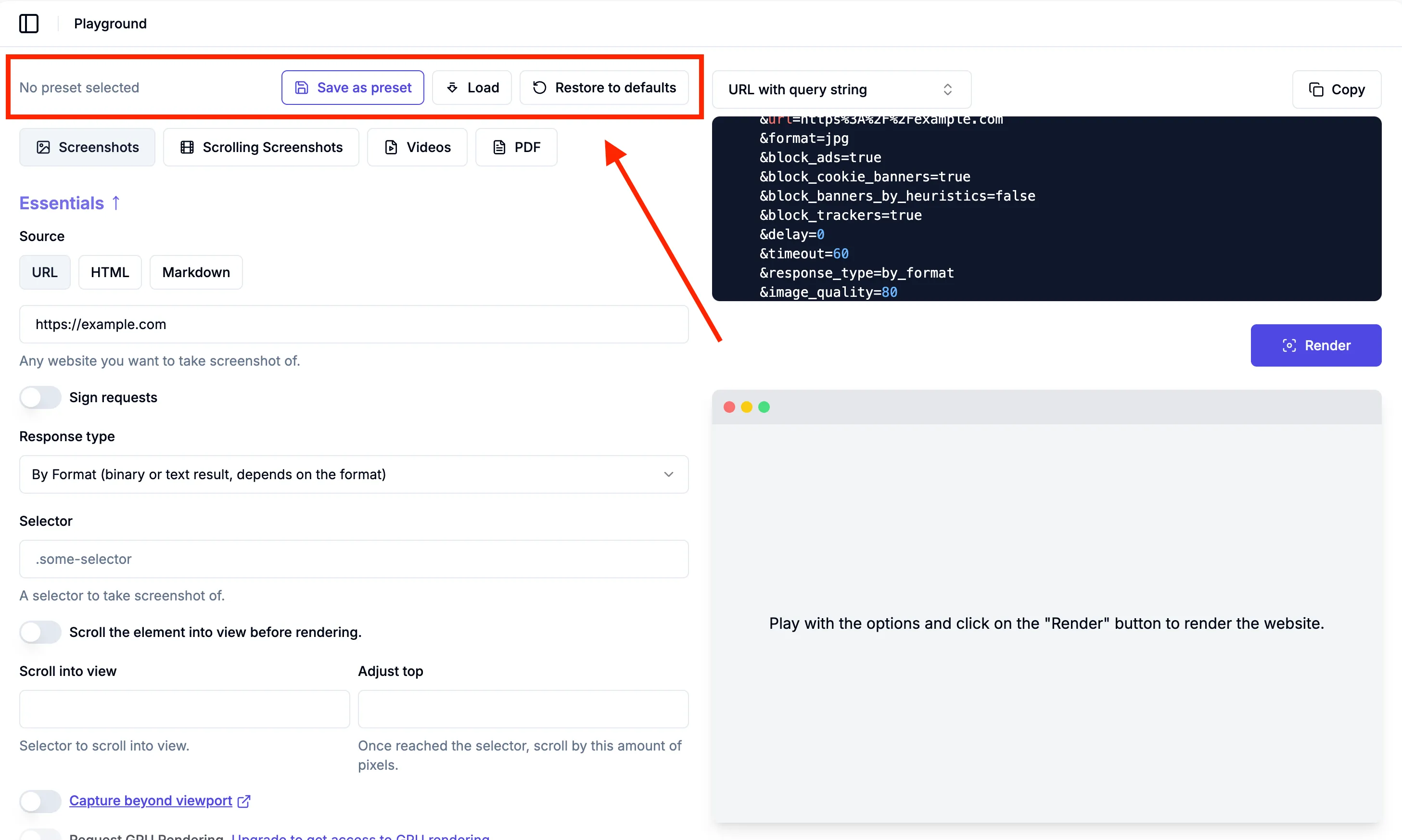
Playground Presets

Use cases

Collaboration and consistency

Share presets with colleagues so everyone works with the same setup.

To ensure your team uses the same screenshot settings (e.g., full-page, mobile view, transparent background).

Save time

Quickly apply a preset instead of tweaking parameters every time.

Experimentation

Save multiple variations (e.g., “Marketing banners,” “Docs screenshots”) and switch between them instantly.

Summary

This makes it easier to standardize workflows, avoid mistakes, and speed up repetitive tasks when capturing or testing screenshots.

Your feedback is appreciated

If you have any questions, suggestions, or need any assistance, please, reach out at support@screenshotone.com.

Read more product updates

New features, bug fixes, and optimizations...

View all product updates
Manage your password from dashboard settings

Manage your password from dashboard settings

You can now set, change, or reset your password directly from the dashboard settings.

Read more

1 min read

Clearer usage limits and upgrade actions

Clearer usage limits and upgrade actions

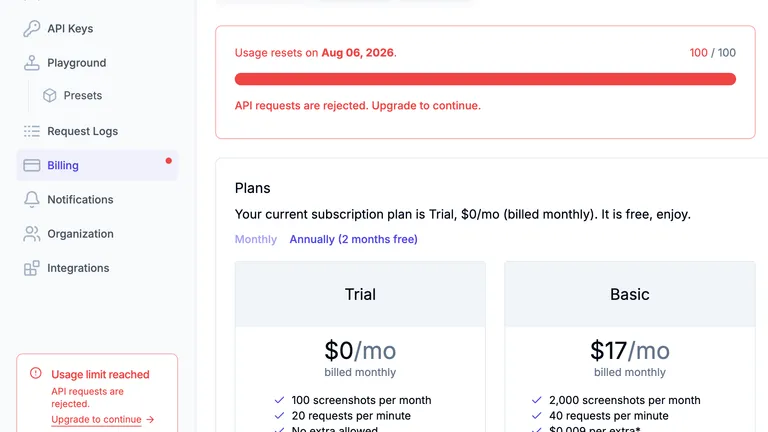
Clearer usage limits, more links to Billing, and easier plan comparison.

Read more

1 min read

Fixed a validation issue in the playground

Fixed a validation issue in the playground

We fixed a validation issue in the ScreenshotOne playground caused by selector scroll into view.

Read more

1 min read

Automate website screenshots

Exhaustive documentation, ready SDKs, no-code tools, and other automation to help you render website screenshots and outsource all the boring work related to that to us.